How to pay
Pay with crypto, even your first time
Crypto is the most private way to pay here — no bank, no app store, nothing on a statement. If you already hold crypto, jump to step 3. If you've never touched it, steps 1 and 2 get you from zero to paid in about fifteen minutes.
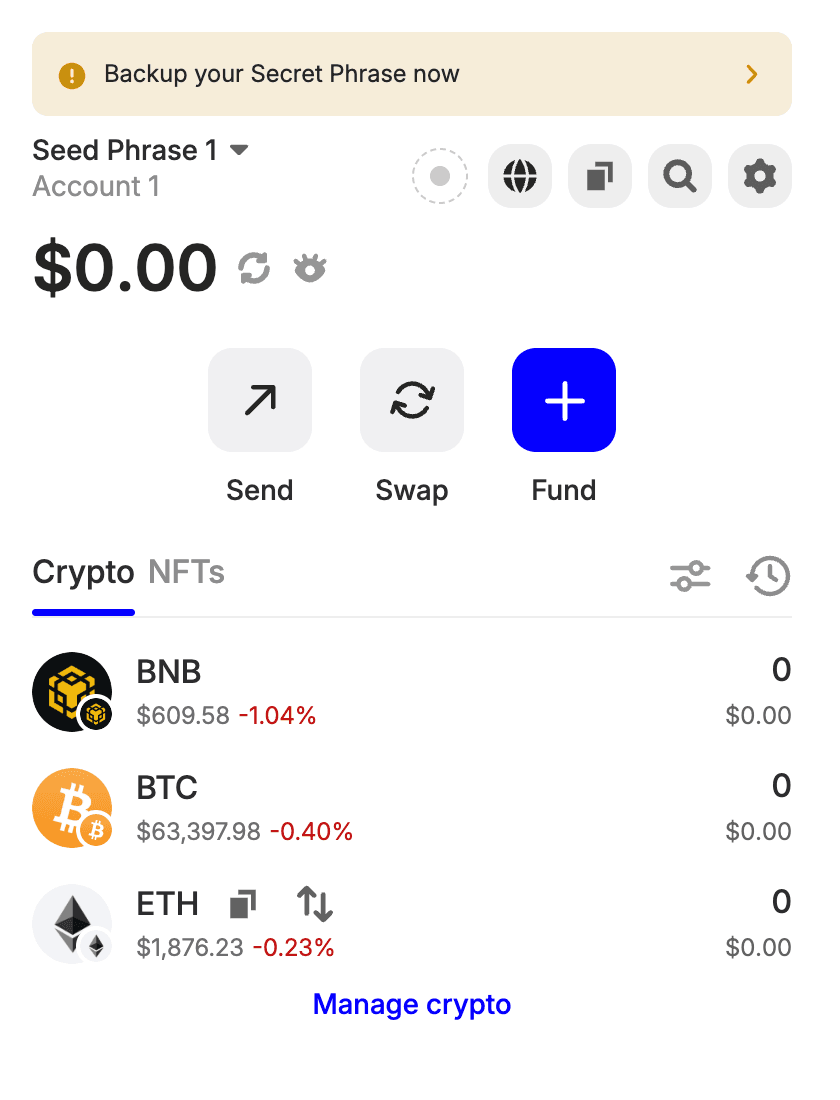
Get a wallet app
Any major self-custody wallet works — Trust Wallet is a solid first pick, free on the App Store, Google Play, or as a browser extension. Install it and create a wallet following the app's own guidance.
Buy some crypto in the wallet
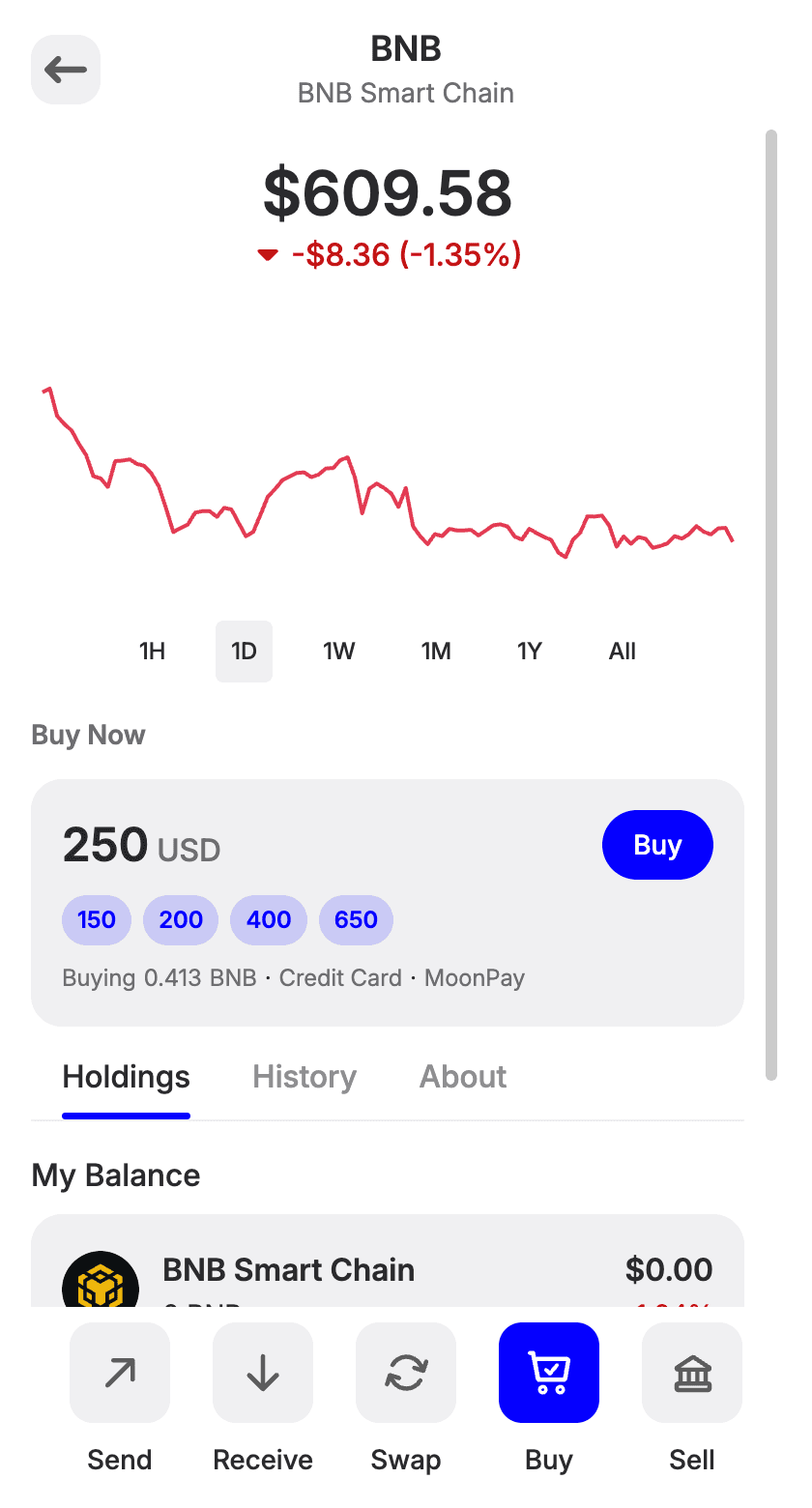
In the wallet, hit Buy and purchase with your card. The purchase step may ask for a quick identity check (KYC) — that is the wallet provider's requirement, not ours, and prices vary a little by region.
Pick something fast with low network fees — the payment page lists every accepted coin, and stablecoins on a fast network (or a major coin like BNB) keep fees near zero. Buy a few dollars more than your pack costs so network fees never leave you short.
Start checkout on fuckgen
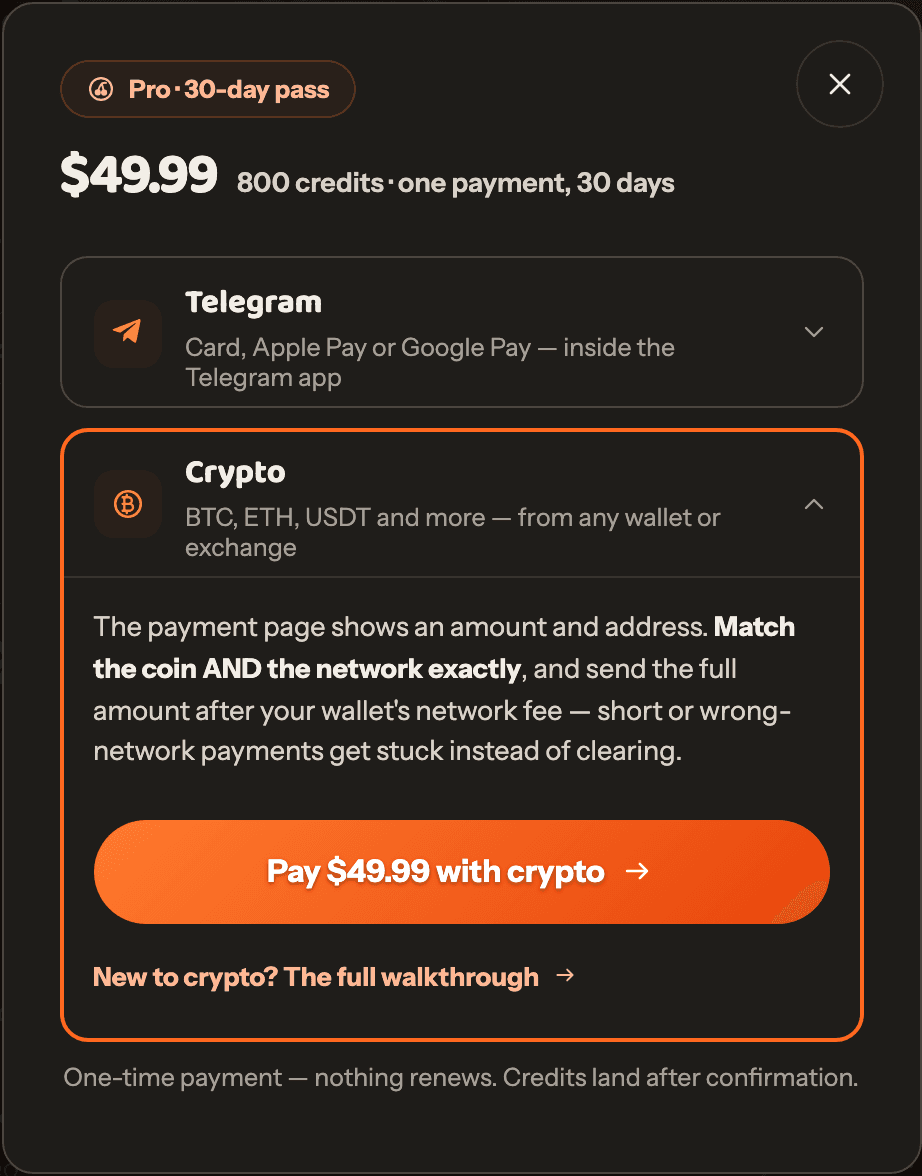
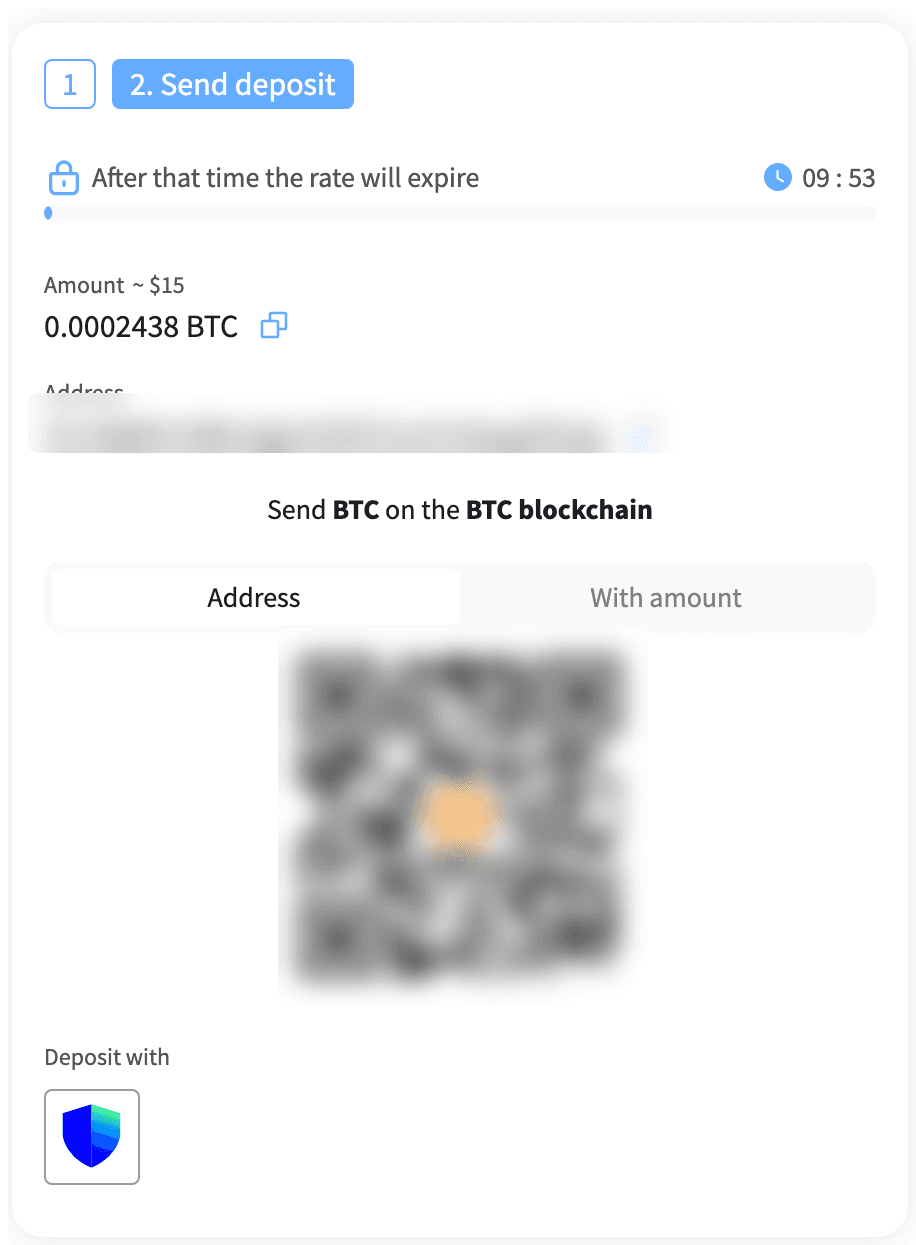
On the pricing page, choose your plan or pack and pick Crypto in the payment window. You'll land on the secure payment page with the exact amount and address.
Pay from your wallet — match coin AND network
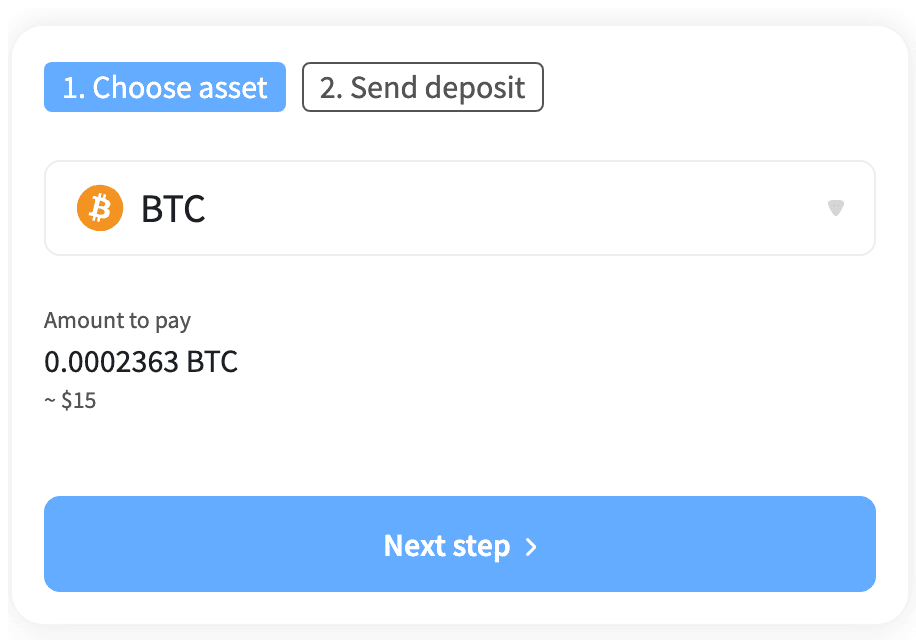
After you tap pay, you land on our payment processor's secure page — it shows your order, then asks which coin and network you're paying with. This choice must match what you actually send. If you bought BNB, select BNB on its own network; if you hold USDT, make sure the network you pick (TRON, Ethereum, BSC…) is the network your wallet will send on.
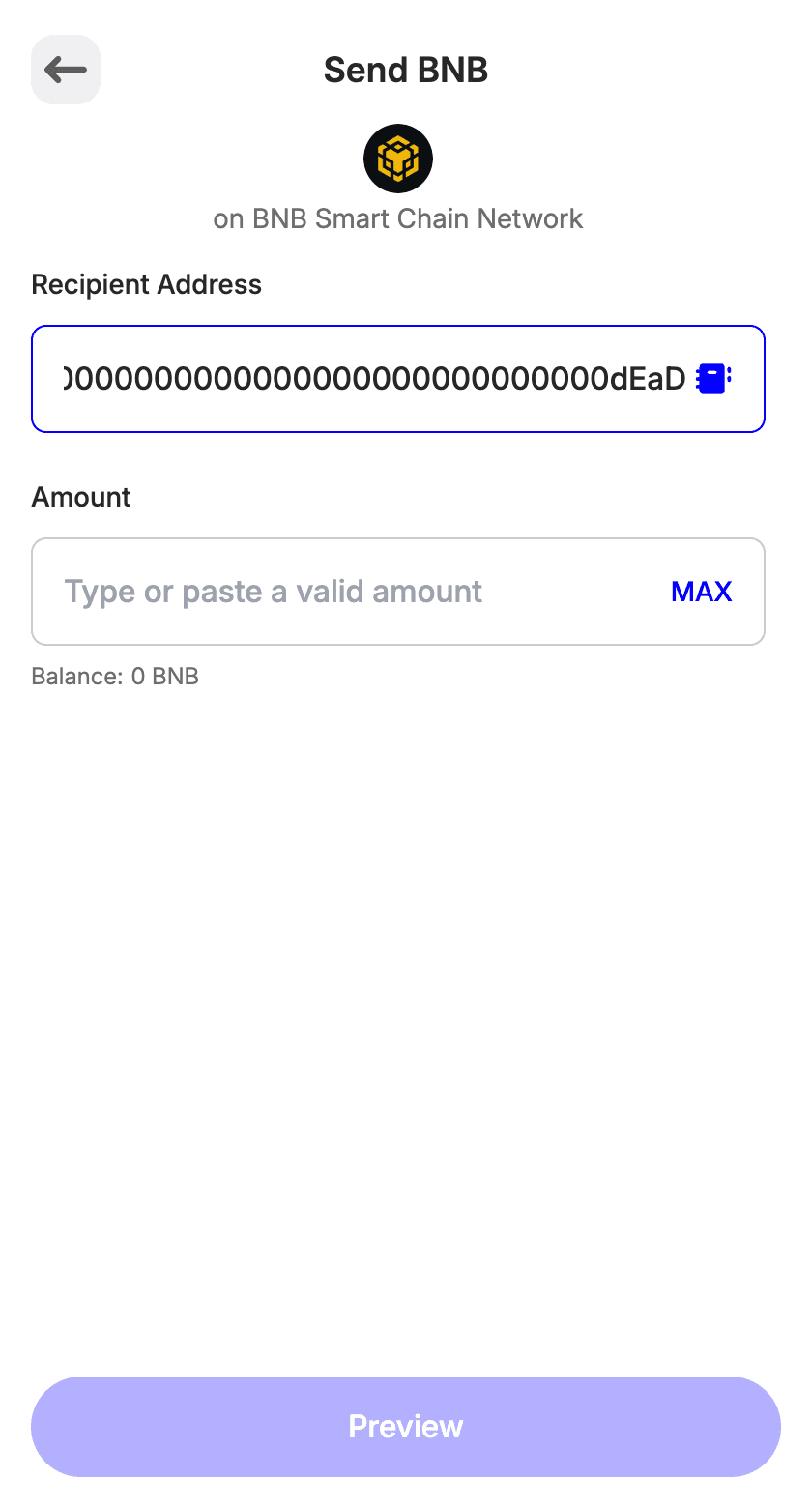
Then copy the amount and address, open your wallet, tap Send, paste both, and confirm. Once the network confirms, your credits land automatically — the checkout tab keeps watching for it.
Prefer buying on an exchange?
Exchanges like Binance often have better rates than in-wallet purchases. Buy there, then withdraw to the payment address from step 4 — everything else works the same.
One exchange-specific catch: withdrawals usually take their network fee out of the amount you enter. Add the fee on top so the amount that arrives matches the payment page.
Good to know
- The #1 stuck-payment cause:the coin or network on the payment page doesn't match what was sent. The page's default selection is not automatically yours — check both fields every time.
- Order stuck at "partially paid"?The network fee was almost certainly taken out of the payment. Nothing is lost — contact us with your order details and we'll sort it out.
- Confirmation speed varies by network.Fast chains confirm in seconds; congested ones can take longer. The checkout page checks automatically — you don't need to do anything after sending.
- Crypto payments don't auto-renew anything. Every purchase is a single one-time payment.
Stuck on a payment?
Include the order ID and payment ID from the checkout page, the payment address, the transaction hash from your wallet, and a screenshot if you have one. Write to [email protected] and we'll chase it down.